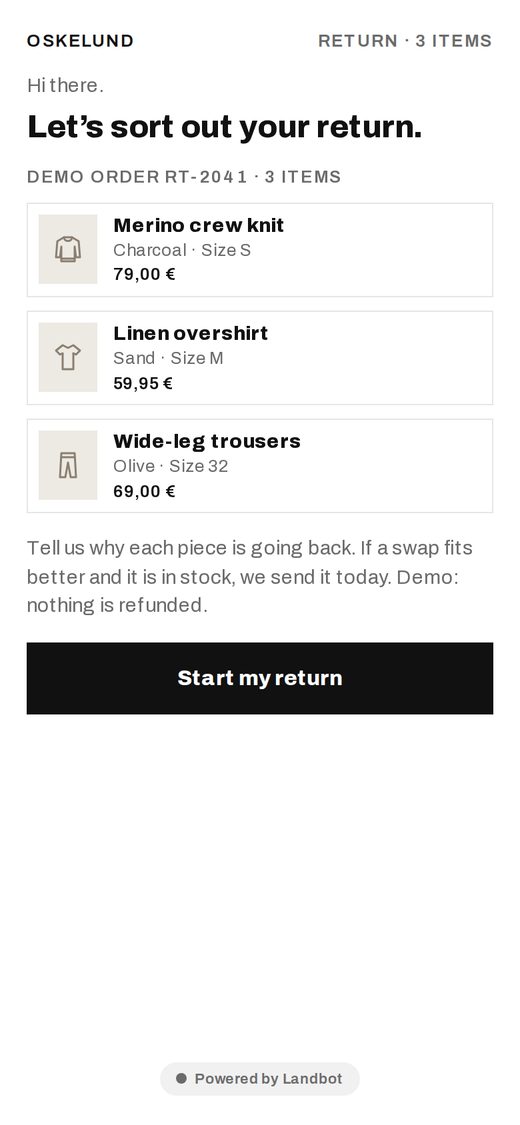
Describe the agent. Claude builds it in your Landbot account, and Landbot runs it on your website and WhatsApp: qualifying visitors and booking meetings. No blank canvas, no developer, no IT ticket.
Or keep going on your phone:
Email me the desktop linkBuild it in the Claude appBETAOr follow the steps below.
Add the Landbot connector once. It works on claude.ai, the desktop app and mobile. Then just ask.
https://mcp.landbot.io/mcpPaste one line into Claude. Get an agent deployed to test.
The button copies the full prompt, with steps, rules and look, so Claude builds it right the first time.
An Owner adds Landbot once for the whole organization. Then each member clicks Connect in Settings › Connectors. Not the Owner? Send them this page.
 LIVE
LIVE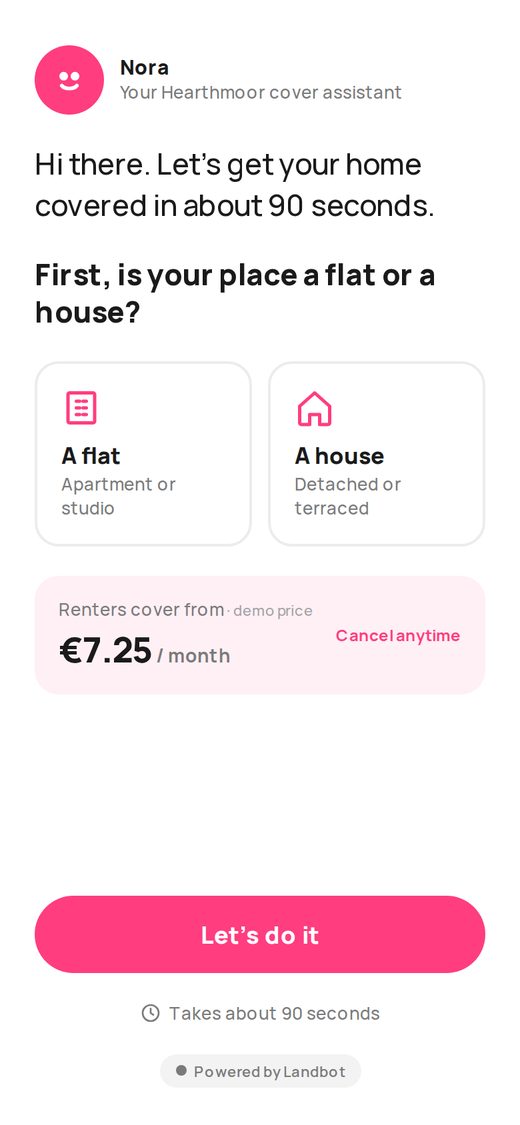 LIVE
LIVE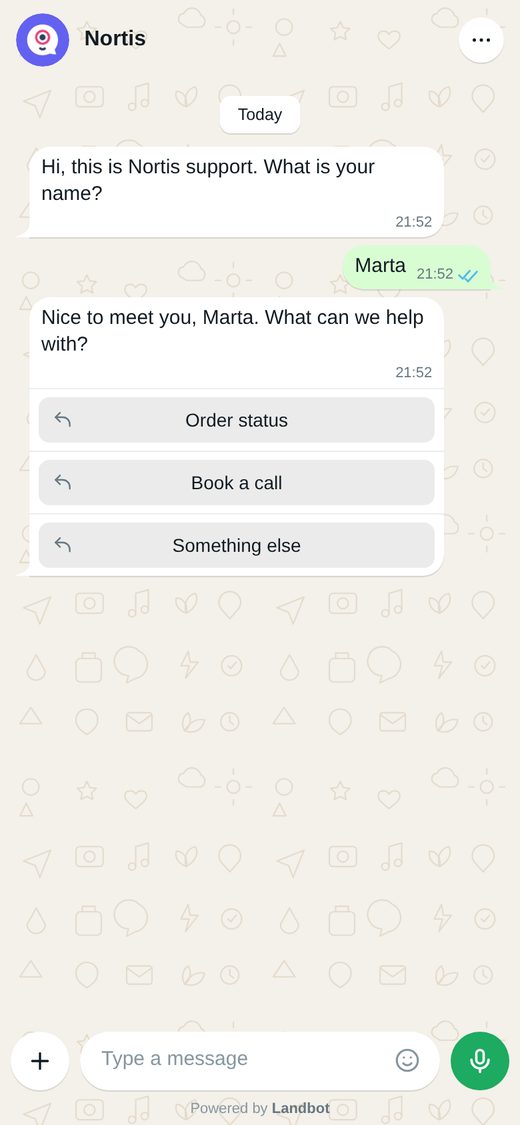 LIVE
LIVEWhat the connector does today, and where you take over.
The Landbot connector is an MCP server (mcp.landbot.io/mcp) that you add to Claude. Once connected, Claude can create, edit, test and publish Landbot AI agents & chatbots in your account from a normal chat.
Any plan works, including Free.
The connector gives Claude access to your Landbot account. The skills teach it Landbot's build and design rules. The connector is required; the skills are optional and help your first agent come out right.
Landbot builds best on a computer. You can try it in the Claude app on your phone (beta).
A free account. The 14-day trial covers everything the skills use.
No. Claude deploys to a test link first and publishes only when you say yes.
Yes. Claude tells you which bot it will change and asks before editing. Every change stays a visible flow you can keep editing in the builder.
Write to us at help@landbot.io and we’ll help you get connected. You can also browse the Help Center or ask the Landbot Community.
Last updated: October 2026
